The 10 Best Free AI Tools for Writers in 2026
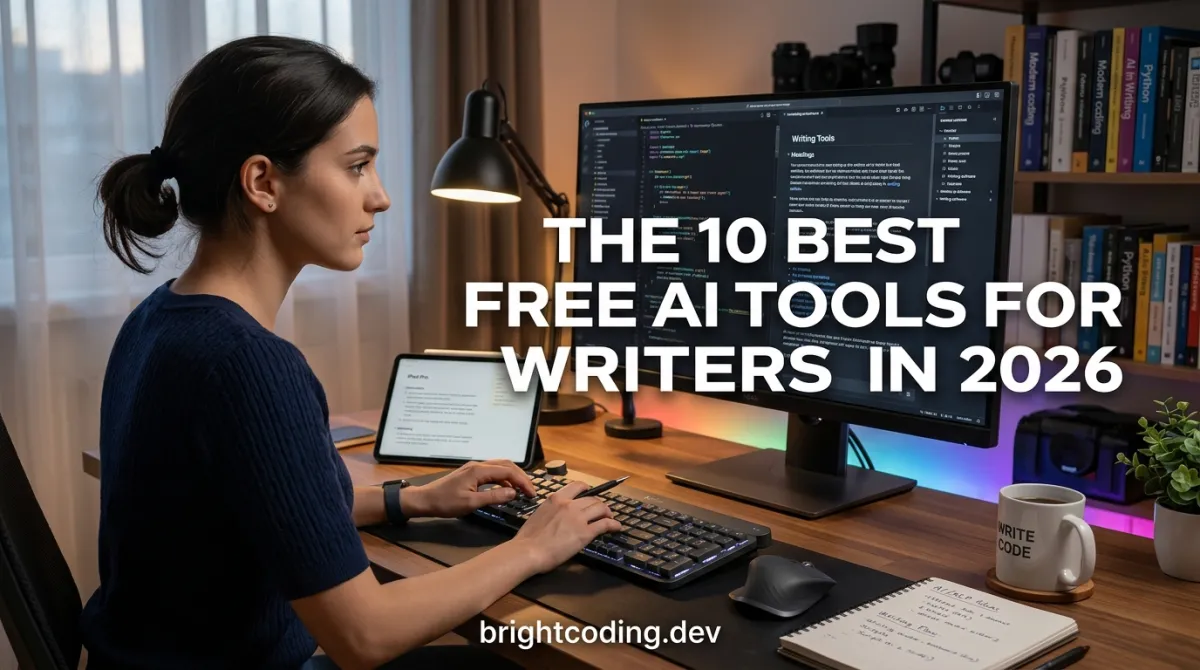
If you're a writer, you've heard the two loudest opinions about AI: it will replace you, and it's the greatest tool since the typewriter. Both are wrong in the way most loud opinions are. What's actually true: AI is a mediocre ghostwriter and an excellent editorial assistant. The difference between those two is everything, and it's why some writers are 3x more productive while others just have worse first drafts.
The tools below are the ones that genuinely help writers — with a hard rule: free tiers only. No "free for 14 days." These are the ones you can build a permanent workflow on.
TL;DR / Key Takeaways
- The best AI writing tools don't write for you; they edit, organize, research, and unstick you.
- Claude and ChatGPT free tiers handle most drafting help — but the specialized tools beat them at their own jobs.
- The standout free category: research and organization (NotebookLM, Perplexity) — the quiet time-savers.
- Free tiers cap you at a few hundred thousand tokens per cycle [VERIFY — varies]; plan long projects around the limits.
- Your job title isn't disappearing. Your busywork is. That's the real story.
The Big Assistants (1–2)
1. Claude (Free)
For long-form writing, Claude is the free-tier king. It holds context over very long documents, catches structural problems, and — crucially for writers — gives feedback that reads like a thoughtful editor, not a cheerleader. Tell it "I want the intro to this essay to be colder and more reportorial," and it actually does it. Caveat: free users get a limited number of messages per day; big sessions will bump the ceiling.
2. ChatGPT (Free)
The generalist's choice. Where Claude is an editor, ChatGPT is a brainstorming partner — good for outlines, alternatives, and "give me 15 different opening lines." It also has browsing and image generation on the free tier now, which helps for blog headers. Caveat: it's conversational by default, so you must push it hard for specificity or you get pleasant generalities.
Research & Organization (3–5)
3. NotebookLM (Google, Free)
The single most underrated tool for writers. Upload your sources — PDFs, websites, notes, even YouTube links — and NotebookLM grounds its answers only in what you gave it. No hallucinations from the open web. It also auto-generates study-style audio overviews and a source guide. For research-heavy writing (white papers, reported essays, book chapters), this is a cheat code.
4. Perplexity (Free)
Search that answers instead of returning links. For fact-checking, finding statistics, and surveying what's already been written on a topic, Perplexity gives cited answers in seconds. Caveat: it can still confidently cite outdated or wrong sources — always open the linked pages for anything you'll publish.
5. Elicit (Free tier)
The research tool academics started using for literature reviews. Ask a question, and it finds and summarizes relevant papers with key findings and methods. If your writing involves academic or technical sources, Elicit replaces an hour of database rummaging. The free tier limits how many papers you can process per day [VERIFY].
Editing & Rewriting (6–8)
6. QuillBot (Free)
The paraphrase engine. Free users get a limited number of words per day, but it's the fastest way to see your own sentence in three other shapes. The killer use case: when you're stuck in a sentence you've rewritten six times, QuillBot's synonyms break the loop. Caveat: the default mode can sound robotic — always read the output aloud before keeping it.
7. Grammarly (Free)
The spell-check you grew up with, now with real rewrite intelligence. The free tier catches typos, punctuation, and clarity issues; the paid tier adds tone and "detect AI writing" (which you should ignore — those detectors are unreliable [VERIFY]). For line edits on a draft, the free tier is enough for most writers.
8. Hemingway Editor (Free)
Not AI, but the perfect AI companion. Hemingway scores your sentences and highlights the ones dragging the prose down — too long, too passive, too many adverbs. Run your AI-polished draft through Hemingway, and the robots' telltale smoothness disappears. This is the anti-AI-flavor tool.
Structure & Inspiration (9–10)
9. Sudowrite (Free trial → paid)
The cautionary entry on this list. Sudowrite's "Story Engine" and "Describe" tools are genuinely impressive for fiction writers stuck on a scene. But it's paid after a short trial, and the free-tier temptation is real. Honest verdict: if you write fiction, trial it hard for 10 days and decide if the $19–29/month [VERIFY] buys you more finished words. Many writers say no.
10. Claude Projects / Custom GPTs (Free)
The meta-tool: build your own writing assistant. Create a project and upload your voice guide — a few hundred words describing your tone, your pet phrases, your banned clichés. Then any draft gets edited "in your voice," not generic AI voice. This is the single highest-ROI setup for professional writers, and it's free.
The Comparison Table
| Tool | Main job | Free tier | Best for | When to skip |
|---|---|---|---|---|
| Claude | Editing, long-form | Daily messages | Essays, books, feedback | Short churn-y copy |
| ChatGPT | Brainstorming | Daily messages | Outlines, alternatives | Precise edits |
| NotebookLM | Research grounding | Doc-based limits [VERIFY] | Research-heavy work | Pure fiction |
| Perplexity | Cited search | Standard searches | Fact-checking | Creative writing |
| Elicit | Academic research | Paper/day caps [VERIFY] | Literature reviews | Blog writing |
| QuillBot | Paraphrasing | Word/day caps | Sentence-level rewrites | Full-draft editing |
| Grammarly | Line editing | Core features | Typos, punctuation | Big-picture structure |
| Hemingway | Readability scoring | Unlimited | Styling the draft | Research phase |
| Sudowrite | Fiction assistance | Short trial | Scene-level fiction | Nonfiction |
| Custom GPTs/Projects | Voice-preserving edits | Free | Consistent brand voice | First drafts |
Real-World Examples
The blogger who writes 3x more with the same brain. She uses Claude for outlines and structural feedback, Perplexity for stat-finding, and her own Custom GPT for tone edits. Her cadence went from two posts a week to six [VERIFY — self-reported] without more hours — because the second draft is now a first draft.
The nonfiction author who stopped fearing hallucinated facts. She feeds NotebookLM her interview transcripts and source PDFs, then writes from what it returns — every claim traceable to a source she owns. The rule she swears by: "If NotebookLM can't find it in my sources, it doesn't go in the book."
The fiction writer who uses AI as a first reader. He drafts the scene, then asks Claude: "What does the protagonist actually want in this scene? Is it clear?" The answers catch muddy motivation before his critique group does. He doesn't let it rewrite the prose — only diagnose it.
The content marketer who killed the 'AI voice.' Her team runs all AI-drafted copy through Hemingway and a voice-guide prompt. The before/after is night and day — the "obviously AI" phrasing (furthermore, moreover, In conclusion) gets flagged and stripped. Readers now can't tell which pieces started as AI drafts.
What Nobody Tells You About AI Writing Tools
The first draft is the trap. Tools that produce clean, confident prose make it easy to skip the thinking. The result is content that reads fine and says nothing. The writers who win use AI on the second draft — after their own messy thinking happened.
Free tiers are a meditation on limits. When Claude cuts you off mid-project at a daily cap, you learn exactly what you truly need it for. Those limits are annoying, but they force the prioritization that paid users never learn.
Tone is trainable; taste is not. AI can mimic your voice from a style guide. It cannot know which of the three versions you wrote is right for this audience on this day. That judgment is your job. It's also your moat.
The best AI edit is invisible. If a reader can tell AI touched it, the tool was used wrong. Hemingway + your voice prompt is how you make the edit disappear.
Pros & Cons
Pros:
- Unstick writers faster than any other tool
- Free tiers cover 80% of real needs
- Research grounding eliminates the worst hallucination risk
- Voice preservation keeps your byline honest
Cons:
- Daily caps interrupt long sessions
- Everything needs a human edit pass
- The generic-AI-voice risk is real and constant
- Detector panic (clients' AI checkers) is a growing headache even though the detectors are unreliable [VERIFY]
FAQ
Can I use AI tools for free as a writer? Yes. Claude, ChatGPT, NotebookLM, Perplexity, Grammarly, and QuillBot all have permanent free tiers. The caps are real but manageable for most solo writers.
Will AI detectors flag my writing if I use these tools? Possibly, and ironically, the detectors are unreliable — they produce false positives even on human text [VERIFY]. Use tools for editing, not wholesale generation, and keep drafts that show your process.
What's the best free AI for fiction writing? Claude for feedback and diagnostics, plus the Sudowrite free trial to test its fiction-specific features before paying. No free tool writes publishable fiction — yet.
Is it cheating to use AI as a writer? If AI replaces your thinking, yes. If it edits, researches, and unsticks you, no — that's what editors always did, just faster. The writing industry runs on collaboration; this is just a new collaborator.
The Takeaway
The writers who thrive with AI aren't the ones who delegate their writing. They're the ones who delegate their friction. Research, rewrites, outlines, fact-checks — that's the friction, and it's now free.
Set up your free stack this week: Claude for feedback, NotebookLM for sources, Perplexity for facts, Hemingway for the finish line. Keep your own voice in the driver's seat. Let the tools do the grunt work.
I want to know: what's your current AI writing workflow? Leave a comment with your setup — I'm collecting the best ones for a follow-up post.
Outils recommandés
Explore on the BrightCoding network
Hand-picked resources from our other sites.
Best Free AI Tools for Small Businesses
The best free AI tools for small businesses — customer support, marketing, finance, and admin — that work on a $0 budget without enterprise contracts
The Most Powerful Free AI Tools Big Companies Don't Want You to Know About
Let's get the conspiracy out of the way first: big companies don't have a secret list they're hiding from you. What they *do* have is a secret about **open...
The Free AI Tool No One Is Talking About (Yet)
Every AI article covers the same five tools, so let me point you somewhere else. The most useful free AI tool I've added in the last year isn't a chatbot,...
Continuez votre lecture

Commentaires 0
Aucun commentaire pour l'instant. Soyez le premier à réagir !