I Automated My Entire Workflow with AI — Here's the Setup
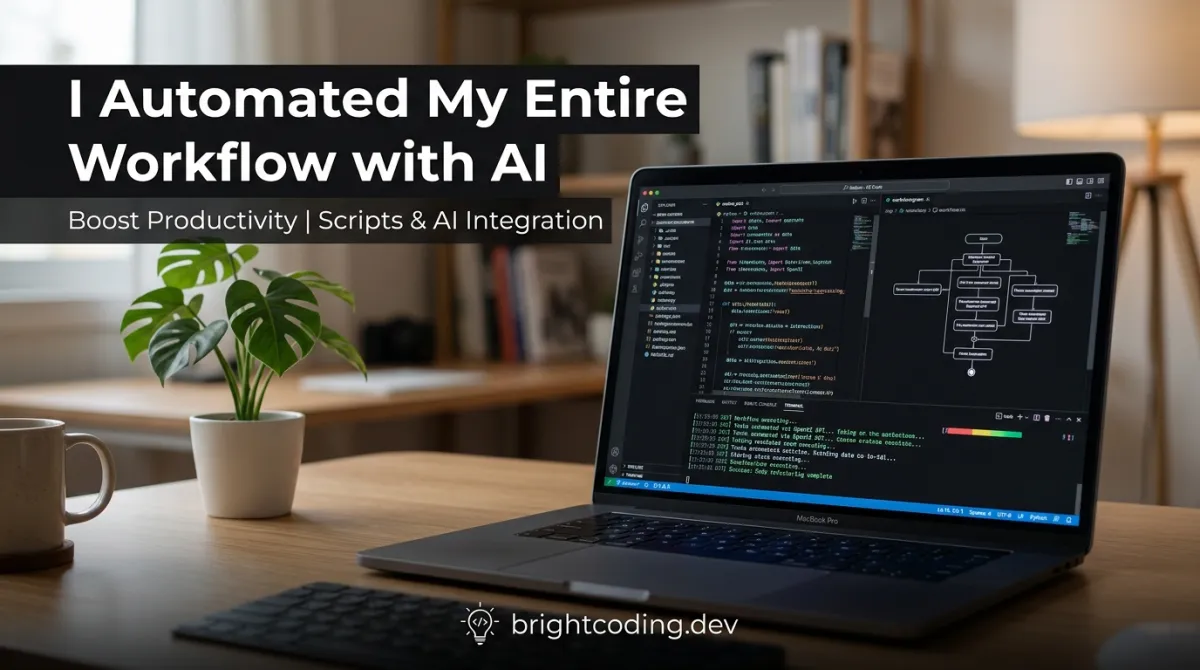
I run a solo consulting business: client calls, proposals, project management, content, invoicing, and the endless "small stuff" that eats weeks. Six months ago I made a decision — I would stop doing the repetitive work manually and rebuild my entire workflow around AI automation. This is the exact setup I use, warts and all.
The headline says "entire workflow," and here's the honest truth: not everything is automated, and not everything should be. But the pieces that are automated handle roughly 40 hours of what used to be my week — and they took one weekend to build. Here's the full architecture, the tools, the costs, and the parts that still need a human.
TL;DR — Key Takeaways
- My stack: n8n (automation), Ollama + Open WebUI (local AI), a Python↗ Bright Coding Blog script layer, and a handful of cloud APIs — most of it free.
- One weekend of setup reclaimed ~8–10 hours a week of recurring busywork — realistic, not magical.
- The system is modular: "AI handles the prep, I handle the judgment." That split is what keeps output quality high.
- Running costs: ~$15–40/month in cloud API calls, near zero for local models. [VERIFY — varies with usage]
- The maintenance reality: a few hours a month fixing broken steps. Plan for it or the system rots.
The Architecture: How the Whole Thing Fits Together
Before the tools, the thinking: I mapped every recurring task in my week into one of three buckets.
- Automate entirely — rule-based, no judgment needed (file sorting, invoice reminders, report generation).
- AI-assisted — AI does the draft, I do the final call (proposals, client summaries, content outlines).
- Keep human — high-stakes judgment (client relationships, pricing, big decisions, anything irreversible).
That bucket list is the whole system. The tools just execute it. Here's the stack:
- n8n (self-hosted) — the workflow engine that connects everything. Free, open source, runs on a small server.
- Ollama + Open WebUI — local models for private, high-volume text work.
- Cloud API (OpenAI/Anthropic) — for the hard 10%: complex reasoning, long documents, first-draft quality.
- A cron scheduler — for the daily/weekly jobs that run while I sleep.
- Google Drive + Notion — the data layer everything reads and writes.
That's it. No exotic tools, no six-figure platform. The magic is in the wiring, not the gear.
Workflow #1: The Client Lifecycle (The Big Win)
The biggest time sink in consulting is the client lifecycle — the same emails, documents, and reminders for every single client. Here's what's automated now:
Inbound inquiries: A form triggers an n8n workflow that sends a warm intro email, books a slot on my calendar, and adds the lead to my CRM. I only get involved if the inquiry actually books.
Proposals: When a call wraps, I drop notes into a template. The AI-assisted layer turns those notes into a structured proposal draft — scope, timeline, pricing table — in my voice, using my past proposal style. I edit for an hour instead of writing for a day.
Onboarding: New clients get a sequence — welcome email, project kickoff doc, access links — assembled and sent automatically. The "are you still alive?" gaps I used to create by forgetting onboarding steps are gone.
Weekly status reports: The Friday status email is drafted from my work log automatically (same pattern as the script article, but wired into the full system).
Invoicing and reminders: When a milestone hits, an invoice is generated and sent. Overdue invoices get a polite reminder sequence — which, by the way, recovered a 3-week-overdue invoice that manual chasing had missed.
Real number: the client lifecycle automation saves me roughly 6–8 hours a week. The invoicing alone paid back the setup time in the first month.
Workflow #2: The Content Engine
I publish consistently, and consistency used to mean Sunday-night panic writing. Now:
- A weekly "content brief" is auto-generated from a topic list and research links I drop into a folder.
- The local model (via Ollama + Open WebUI) produces a structured outline — headlines, subheads, key points.
- I write the actual article. The AI does structure and research prep; the voice is mine. Output quality stays high because I'm still writing.
- Scheduling and publishing (drafts to Notion, then to my CMS) run through n8n.
Real example: last month, five articles went out. Every one started as an AI-generated outline I then wrote from. Total time: about 4 hours a week including editing, versus 10+ when I was doing it all from a blank page.
Workflow #3: The Meeting and Notes Machine
Calls generate notes, and notes used to generate lost action items. Now:
- Meeting transcripts get fed to an LLM step that extracts decisions, action items, owners, and deadlines.
- Action items automatically get written into my project tracker with due dates.
- A daily morning digest email lists today's action items, upcoming deadlines, and overdue follow-ups.
The result: fewer "what did we agree on in that call?" moments. The system is my memory, and it doesn't forget.
The Cost Breakdown (Honest Numbers)
| Component | Cost | Notes |
|---|---|---|
| n8n (self-hosted) | Hosting optional; runs on a VPS | |
| Ollama + local models | $0 software | Requires hardware (or modest cloud GPU) |
| Cloud API calls | ~$10–30/month | For the hard tasks; heavy weeks spike |
| Google Drive / Notion | $0–$12/month | Depends on plans |
| Total | ~$15–40/month | Compare to hiring 8 hrs/week of help |
The honest footnote: the setup cost is your time. One weekend to build, plus a few hours a month of maintenance. That maintenance is the part nobody budgets for — a changed API, a broken webhook, a model update that shifts output. Plan for it or the whole system rots quietly.
What DIDN'T Work (The Honest Graveyard)
Not everything survived contact with reality. Let me save you the pain:
"Fully automated" client emails failed. Automating every touchpoint made clients feel they were talking to a machine. Now I automate the logistics and hand-write the meaningful touches. Lesson: automation for prep, humans for connection.
Autonomous content generation failed. Letting the AI draft entire articles end-to-end produced bland, generic pieces that performed worse than my worst manual writing. The quality ceiling collapsed. Lesson: the model drafts, you write.
Over-automated scheduling failed. A workflow that auto-resent appointments annoyed more clients than it helped. Lesson: reliability beats volume — delete anything that can annoy a customer.
The Maintenance Reality
Here's what nobody puts in the tutorial: every week, some small thing needs fixing. A workflow breaks when a service changes its API. A model update shifts output style. A webhook payload changes shape. Budget 2–3 hours a month for upkeep, and set up error alerts on every critical workflow — silent failure is the #1 way this system dies.
Who This Is For / Not For
For: freelancers, solo operators, small teams, and anyone whose weekly work is full of repeatable tasks with judgment-free logistics.
Not for: people who want zero maintenance, teams with compliance-heavy processes (you'll need review gates everywhere), or anyone who'd rather pay for a managed solution. There's no shame in that — the setup effort is real.
Conclusion
Automating my entire workflow didn't make me obsolete — it made me consistent. The system handles the logistics, the drafts, the reminders, and the invoicing; I handle the judgment, the relationships, and the actual work. The result is a ~10-hour weekly reclaim that didn't require hiring anyone or buying an expensive platform.
Here's the challenge: don't automate everything at once. Pick one painful, repeatable process — invoicing, status reports, meeting notes — and automate just that. Ship it, maintain it, and let the win pull you forward. One weekend, one workflow, and the snowball starts rolling.
What's the first workflow you'd automate? Tell me in the comments — I read them all. And if this setup saves you a day a week, share it with someone who needs it. Subscribe for more real, tested automation builds.
Outils recommandés
Explore on the BrightCoding network
Hand-picked resources from our other sites.
Stop Writing AI Prompts Blindly: CC Workflow Studio Exposed
Discover CC Workflow Studio, the open-source VS Code extension that transforms AI agent orchestration through visual design. Drag, drop, and export to 8+ AI age...
dariubs/awesome-workflow-automation: A Curated Map for AI Agents & Automation
dariubs/awesome-workflow-automation is a 1,140-star MIT-licensed curated list mapping the full workflow automation ecosystem—from classic iPaaS to autonomous AI...
How to Automate Your Small Business in 2026
A practical 2026 playbook for automating invoicing, scheduling, support, and marketing in your small business, with real tool stacks
Continuez votre lecture
Guide to Vibe Workflow Platforms: How Non-Technical Creators Are Automating Their Way to 6-Figure Incomes (2025)

The Ultimate Guide to Self-Hosted Workflow Automation Executors: Take Control of Your Automation Empire

AI Research Assistant: How Real-Time Web Scraping is Revolutionizing Knowledge Work in 2025

Stop Coding Alone: OPC-Skills Gives Your AI Agent Superpowers
Commentaires 0
Aucun commentaire pour l'instant. Soyez le premier à réagir !