open-webui/desktop: Run Open WebUI Natively Without Docker
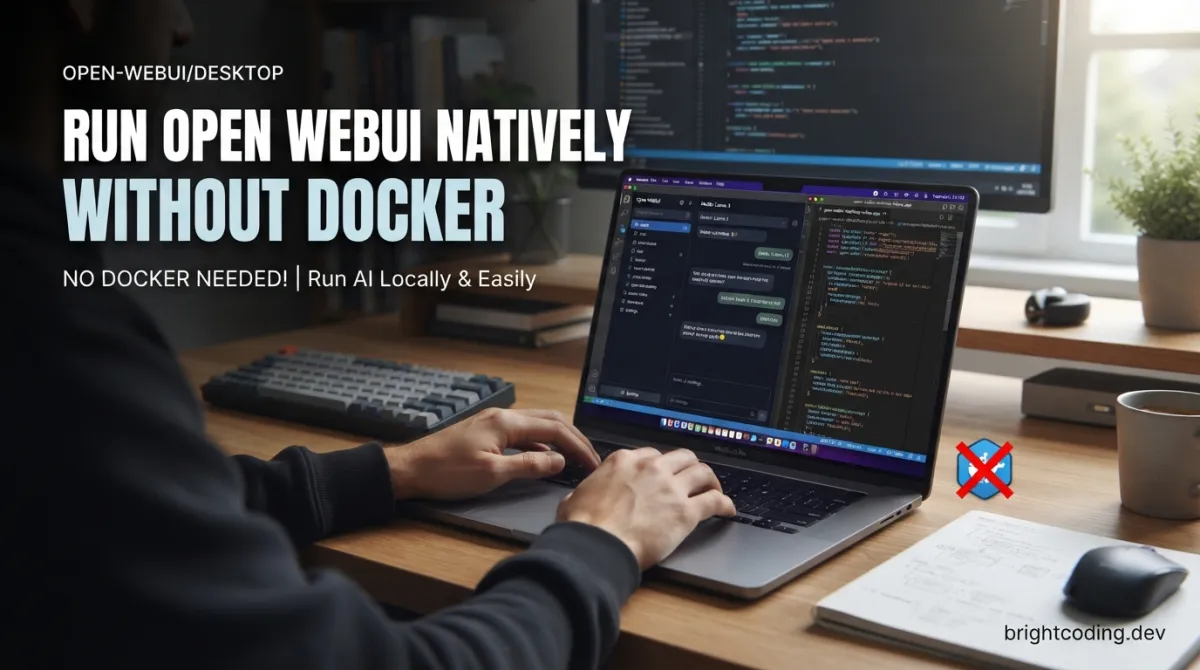
Developers experimenting with local large language models know the friction: pull a Docker↗ Bright Coding Blog image, wrestle with port mappings, manage volume mounts, then hope your GPU passthrough works. For teams already running Open WebUI in production containers, that overhead is acceptable. For everyone else—researchers, frontend developers, ML practitioners who just want to chat with a model—it is pure toil. The open-webui/desktop project removes that barrier entirely by packaging Open WebUI as a native desktop application. No Docker daemon. No terminal commands. Download an installer, launch, and start conversing with models running locally or on a remote server.
This article examines what open-webui/desktop actually delivers, how it works under the hood, who it serves best, and where its current limitations lie.
What is open-webui/desktop?
open-webui/desktop is the official native desktop wrapper for Open WebUI, the popular open-source web interface for interacting with large language models. Where the main project requires a browser and typically runs inside a container, this companion repository distributes Open WebUI as installable applications for macOS, Windows, and Linux. The project sits at 2,320 GitHub stars and 219 forks as of its last commit on May 6, 2026—substantial for an early alpha project, indicating genuine developer interest in Docker-free AI tooling.
Technically, the application is built in Svelte and distributed under the GNU Affero General Public License v3.0. This licensing choice matters: AGPL-3.0 requires that any network-accessible modified versions also release source code, which aligns with the project's stated privacy commitments and protects user freedoms. The desktop wrapper embeds the full Open WebUI experience while adding platform-native integrations—global keyboard shortcuts, auto-updaters, and offline model execution—that a browser tab cannot provide.
The project explicitly warns that it is in early alpha. Features shift, bugs surface, and the maintainers encourage issue reports and Discord participation rather than production deployment. This honesty is refreshing and should inform any adoption decision.
Key Features
Spotlight integration transforms how users interact with AI during focused work. The Shift+Cmd+I (macOS) or Shift+Ctrl+I (Windows/Linux) shortcut summons a floating chat bar overlay on any application. Users can drag to capture screenshots of any screen region and feed them directly into the conversation. For developers debugging visual regressions or analyzing UI mockups, this eliminates the screenshot-save-upload cycle entirely.
System-wide voice input operates on push-to-talk from any application. Press the configured shortcut, speak, and transcription feeds automatically into the active chat. This is not a browser permission dialog or a separate dictation app—it is a native OS integration that works across contexts.
Local inference via llama.cpp runs models entirely on-device. The built-in engine downloads and executes models without network calls after initial setup. Your prompts, responses, and conversation history never leave the machine. For organizations with strict data residency requirements or individuals simply wary of cloud AI providers, this is a genuine architectural guarantee, not a marketing claim.
Multiple server connections coexist with local execution. The sidebar allows instant switching between a locally running model, a team's shared Open WebUI server, and a personal remote instance. Both modes operate simultaneously—you are not locked into an either/or architecture.
Auto-updates and offline readiness reduce ongoing maintenance. New releases install in the background, and after the first launch download, the application functions without internet connectivity. This matters for air-gapped environments or unreliable connectivity scenarios.
Cross-platform distribution covers macOS (Apple Silicon and Intel), Windows (x64 and ARM64), and Linux (x64 and ARM64 via AppImage, .deb, Snap, and Flatpak). The breadth of packaging formats suggests serious commitment to accessibility across developer ecosystems.
Use Cases
Local-first AI experimentation suits ML practitioners and researchers who need to iterate with models without cloud latency or API costs. A developer testing prompt engineering techniques on a 7B parameter model can run dozens of variations locally, with no metered billing anxiety. The RAM requirements are substantial—approximately 8 GB for 7B models, 16 GB for 13B—but for equipped machines, the workflow is seamless.
Privacy-sensitive professional workflows attract legal, medical, and financial practitioners who cannot transmit client data to third-party APIs. open-webui/desktop's "no telemetry, no tracking, no phone-home" architecture, combined with local execution, creates a genuinely air-gapped AI assistant. The AGPL-3.0 license further ensures that any modifications to the software itself remain inspectable.
Remote team collaboration works through the multi-connection sidebar. A developer might maintain a local 3B model for quick syntax questions while connecting to a team server running 70B models for complex architecture discussions. Context switching takes seconds, not container restarts.
Accessibility-focused interaction benefits from the voice input and Spotlight overlay. Developers with repetitive strain injuries can reduce typing load. Users who think better aloud can narrate problems and receive structured responses without switching applications.
Offline development environments serve travelers, field workers, or anyone in connectivity-constrained settings. Once installed and configured, the application requires no network for local model inference. This is not merely offline caching—it is full local execution.
Installation & Setup
The project provides direct installer links for all supported platforms. No package manager commands, no dependency resolution, no Docker pull.
| Platform | Installer |
|---|---|
| macOS (Apple Silicon) | Download .dmg |
| macOS (Intel) | Download .dmg |
| Windows x64 | Download .exe |
| Windows ARM64 | Download .exe |
| Linux x64 (AppImage) | Download .AppImage |
| Linux x64 (Debian/Ubuntu) | Download .deb |
| Linux x64 (Snap) | Download .snap |
| Linux x64 (Flatpak) | Download .flatpak |
| Linux ARM64 (AppImage) | Download .AppImage |
| Linux ARM64 (Debian/Ubuntu) | Download .deb |
First launch requires internet to download the core application bundle and any selected model. Subsequent launches are fully offline-capable.
For local model execution, ensure your system meets the requirements:
| Local Models | Remote Only | |
|---|---|---|
| Disk | 5 GB+ | ~500 MB |
| RAM | 16 GB+ | 4 GB |
| OS | macOS 12+, Windows 10+, modern Linux (glibc 2.28+) | Same |
After installation, enable local models from settings or connect to a remote Open WebUI server via the sidebar. The "one-click setup" promise holds: configuration is minimal compared to containerized deployment.
Real Code Examples
The README provides minimal explicit code, reflecting the project's alpha state and application-focused nature. Below are the documented examples, reproduced exactly.
Development environment setup for contributors:
npm install
npm run dev
This two-command workflow installs dependencies and starts the development server. The Svelte-based application uses standard Node.js tooling, so contributors familiar with modern frontend development↗ Bright Coding Blog face no unusual build steps. The npm run dev command presumably starts a hot-reload development server for local iteration.
No additional code examples are present in the current README. This is worth noting explicitly: open-webui/desktop is primarily a packaged application, not a library or framework requiring programmatic integration. Users interact through GUI elements—Spotlight shortcuts, sidebar connections, settings toggles—rather than API calls or configuration files. For developers seeking to extend or automate the application, the main Open WebUI project likely offers more programmatic interfaces. [INTERNAL_LINK: Open WebUI server deployment guide]
Advanced Usage & Best Practices
Resource planning for local models is critical. The README's RAM guidance—8 GB for 7B parameters, 16 GB for 13B—represents approximate minimums, not comfortable working margins. On macOS, unified memory architecture means available RAM competes with the operating system and other applications. Close unnecessary applications before loading larger models. On Windows and Linux, monitor swap usage; llama.cpp performance degrades severely if model weights spill to disk.
Connection hygiene matters when juggling multiple servers. The sidebar allows rapid switching, but conversation contexts do not automatically transfer. Establish naming conventions for connections ("local-7B", "team-prod", "personal-vps") to avoid sending sensitive prompts to the wrong endpoint.
Update strategy should account for the alpha status. Auto-updates run in the background, but critical workflow days may warrant checking CHANGELOG.md before allowing updates. The project's velocity is explicitly described as "things move fast"—a virtue for feature development, a risk for stability.
Privacy verification extends beyond trusting the README. Since the application is AGPL-3.0 licensed, source code is auditable. Network-monitoring tools like Wireshark or Little Snitch can confirm the absence of unexpected connections. The maintainers' explicit "no telemetry" claim is stronger for being verifiable.
Comparison with Alternatives
| Tool | Architecture | Docker Required | Local Execution | License | Best For |
|---|---|---|---|---|---|
| open-webui/desktop | Native desktop app | No | Built-in llama.cpp | AGPL-3.0 | Users wanting zero-config desktop AI |
| Open WebUI (main) | Web application | Typically yes | Via Ollama/llama.cpp backend | BSD-3-Clause | Server deployments, multi-user setups |
| Ollama | CLI + server | No (native installers) | Core feature | MIT | Terminal-comfortable users, API consumers |
| LM Studio | Native desktop app | No | Built-in | Proprietary (free tier) | GUI-preferring users accepting closed source |
open-webui/desktop occupies a specific niche: the full Open WebUI feature set (extensive prompt engineering tools, RAG pipelines, multi-model conversations) packaged without container overhead. Ollama is lighter but less feature-rich for web-interface workflows. LM Studio offers comparable native execution but lacks Open WebUI's open-source governance and community extensibility. The main Open WebUI project remains superior for team server deployments where Docker orchestration is already standard.
FAQ
Is open-webui/desktop production-ready? No. The README explicitly labels it "Early Alpha." Expect bugs and rapid changes.
Can I run it without internet? After first launch and model download, yes. Initial setup requires connectivity.
What models work locally? Any model compatible with llama.cpp, downloaded through the application's interface.
Does it replace the main Open WebUI project? No. It complements it for individual desktop use; servers still benefit from containerized deployment.
Is my data sent to cloud services? For local execution, no. Remote connections transmit data only to your configured servers.
What if I have only 8 GB RAM? Use remote-only mode (~500 MB disk, 4 GB RAM) or connect to an external server.
Can I contribute?
Yes. Clone, npm install, npm run dev. Join the Discord for coordination.
Conclusion
open-webui/desktop solves a genuine friction point for developers and technical users who want Open WebUI's capabilities without Docker's operational complexity. Its native integrations—Spotlight overlay, system-wide voice, auto-updates—create a workflow that browser-based deployment cannot replicate. The privacy architecture is credibly strong, backed by AGPL-3.0 licensing and explicit no-telemetry commitments.
The alpha status demands caution. This is not a tool to deploy in regulated production environments today. But for individual experimentation, privacy-conscious professional use, or teams seeking lighter-weight AI access, it merits serious evaluation. The 2,320 stars suggest many developers agree.
Download the appropriate installer for your platform at https://github.com/open-webui/desktop, review the system requirements for your intended use mode, and join the Discord to report issues or follow development progress.
Explore on the BrightCoding network
Hand-picked resources from our other sites.
meltylabs/chorus: Local AI Chat for Mac Developers
meltylabs/chorus is an MIT-licensed, TypeScript-based AI chat app for Mac with 768 GitHub stars. Built by the Conductor creators, it runs LLMs locally with a do...
pguso/agents-from-scratch: Build AI Agents Locally, No Frameworks
pguso/agents-from-scratch teaches AI agent development through 12 progressive lessons using local LLMs. No frameworks, no cloud APIs, no hidden logic — just exp...
Electrobun: Why Devs Are Ditching Electron for 14MB Apps
Discover Electrobun, the TypeScript-native desktop framework built on Bun that ships 14MB apps with 4KB updates. From DOOM ports to AI coding tools, see why dev...
Continuez votre lecture
Why Alexandrie is the Ultimate Markdown Note-Taking App
Why CrossPaste is the Ultimate Game Changer for Clipboard Management
Why Chandra is the Ultimate OCR Tool for Handwriting and Tables

Stop Coding Alone: OPC-Skills Gives Your AI Agent Superpowers
Commentaires 0
Aucun commentaire pour l'instant. Soyez le premier à réagir !