Top 15 Free AI Tools for Small Businesses in 2026
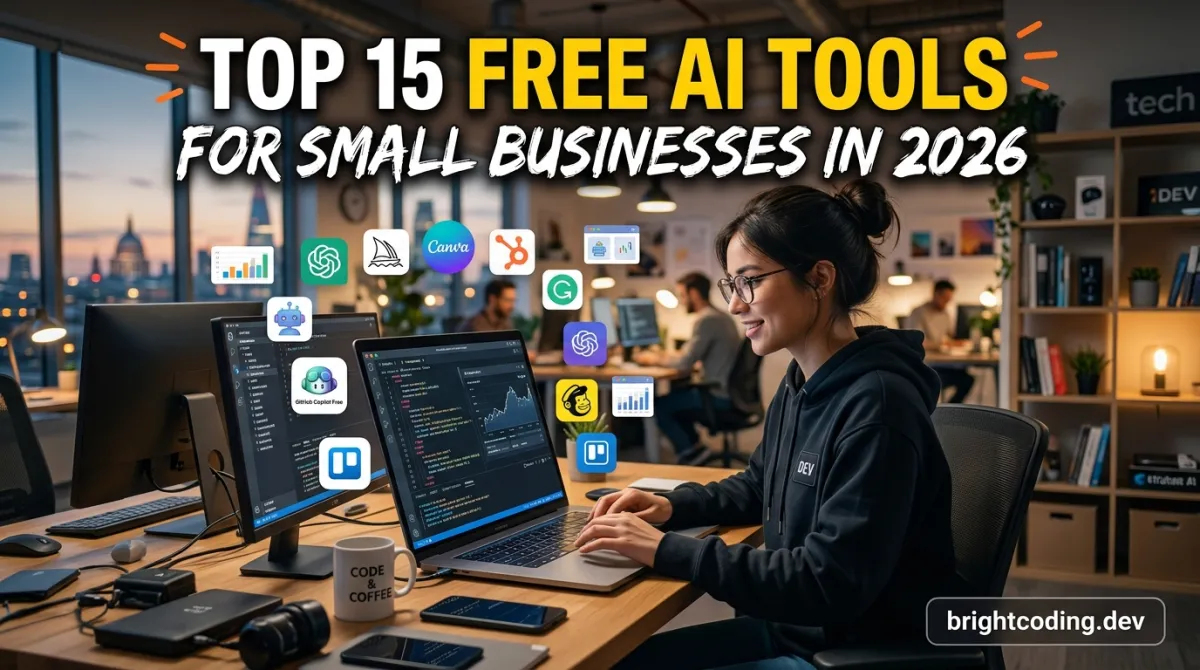
You run a small business, which means you wear every hat in the company — marketer, accountant, HR, IT. You've probably googled "free AI tools" before and been greeted by a wall of "try it free" buttons that lead to a $49/month billing page after day 14. I get the skepticism. Most lists are affiliate-laden noise.
This one is different. These 15 tools have genuinely free tiers that small businesses can run on indefinitely — not trial credits, not "free for a week." I've ranked them by the real-world pain they kill: content, customer support, admin, and growth. No fluff.
TL;DR / Key Takeaways
- Real "free" means a permanent free tier, not a trial. I've filtered out anything that dies after 14 days.
- The biggest small-business wins: ChatGPT/Claude for general work, Canva for design, and Wave for accounting.
- Free tiers usually cap usage (message limits, image credits) — plan around the caps, don't fight them.
- Avoid over-tooling: two or three free tools cover what most sub-10-person businesses need.
- Watch your data: free tiers are how companies collect training data [VERIFY — varies by provider]. Keep customer records out of them.
The Workhorses (1–6)
1. ChatGPT (Free)
The default starting point. The free tier runs GPT-5-class models with daily usage limits that reset frequently [VERIFY — model access and limits change often]. For drafting emails, brainstorming, writing product descriptions, and explaining jargon, it's the highest-ROI free tool on the internet. Caveat: heavy days hit the limit fast — keep your prompts tight.
2. Claude (Free)
Anthropic's assistant is the strong choice for writing, analysis, and long documents. Its free tier is more generous than it used to be, and for business writing — proposals, policies, client communications — many users prefer its tone to ChatGPT's. The trade-off: the free tier has daily caps and no image generation.
3. Gemini (Free)
Google's assistant wins at one thing small businesses care about: it's wired into Google Workspace. Draft a reply, summarize a thread, or check your Sheets formulas from inside the tools you already use. The free tier is solid for light daily use, and it's the best choice if you live in Gmail.
4. Canva (Free)
Design for people who aren't designers. Free users get a huge library of templates, 5GB of storage, and basic AI features like Magic Write and background remover. A bakery, a plumbing company, and a law firm can all look professional with Canva alone. Caveat: the watermark-free export is fine, but some premium assets and the best AI tools (Magic Media, bulk resize) sit behind Canva Pro.
5. Wave (Free)
Accounting that doesn't charge for the core. Invoicing, accounting, and receipt scanning are free; you pay only if you add payroll or payment processing. For freelancers and tiny teams, Wave replaces a $30–60/month QuickBooks subscription. Caveat: its advanced reporting is thinner, and it's less polished than paid rivals.
6. Zoho (Free / freemium)
The whole Zoho suite — CRM, mail, docs, invoice, and more — has free tiers that are astonishingly generous for small teams. Zoho CRM's free plan covers up to three users [VERIFY — limits change]. The cost is a steeper learning curve and an interface that feels busier than modern alternatives.
Content & Marketing (7–10)
7. HubSpot Free CRM
The free tier of HubSpot's CRM includes contact management, email templates, live chat, and basic pipelines. It's intentionally limited to hook you on the paid product, but the free tier is genuinely useful for tracking leads and deals. Best for: anyone outgrowing spreadsheets but not ready to pay.
8. Mailchimp (Free)
Email marketing↗ Bright Coding Blog's classic free tier: up to 500 contacts and 1,000 sends per month [VERIFY — limits are adjusted regularly]. Enough to run a monthly newsletter or promo blasts for a small audience. Caveat: you pay per contact once you grow, and the free AI features are minimal.
9. AI Horde / Stable Diffusion (Free)
If you need custom images — product mockups, social graphics, blog headers — and can't stomach another subscription, the community-powered AI Horde runs Stable Diffusion models for free, funded by volunteers. Quality varies and queues exist, but it's the only truly free image generation that isn't a 3-day trial.
10. Google's free suite: Bard/Studio/NotebookLM
NotebookLM turns your documents, PDFs, and notes into an AI assistant grounded only in what you upload — no hallucination risk from unrelated web data. For a business reviewing contracts, proposals, or customer feedback, it's a hidden gem. All free with a Google account.
Customer Support & Ops (11–13)
11. Tidio (Free tier)
Live chat with a basic AI chatbot that answers common questions. The free plan gives you a live chat widget and a limited AI bot — enough to qualify leads at 2am and take the pressure off your inbox. Caveat: the good bot features need the paid plan, but the free live chat alone beats nothing.
12. Tally + Make (Free tiers)
Forms that look professional, free forever. Tally's unlimited form responses on the free plan, wired to Make's automation (1,000 operations/month on free) [VERIFY], means new leads can auto-populate a Google Sheet or CRM. A "no-code pipeline" that costs nothing and takes an afternoon to build.
13. Google Voice (Free)
A business number with voicemail transcription, call forwarding, and no hardware. For home-based businesses that want to keep personal and business calls separate, it's a zero-cost upgrade to professionalism. Caveat: availability and features vary by country [VERIFY].
Admin & Growth (14–15)
14. Google My Business + Analytics
Free local SEO↗ Bright Coding Blog fuel. A well-optimized Business Profile is still the highest-leverage free marketing move for local businesses — most customers find you there before your website. Pair it with Google Analytics 4 to know which traffic actually converts.
15. Perplexity (Free)
Search that cites its sources. For market research, competitor analysis, and "quick, what's the going rate for X?" questions, Perplexity gives answers with links you can verify. The free tier has limited "pro" queries per day, but standard research doesn't need them.
The Comparison Table
| Tool | Category | Free tier cap | What costs money | Best small business use |
|---|---|---|---|---|
| ChatGPT | AI assistant | Daily message limit | Pro ($20/mo) [VERIFY] | Drafting, brainstorming |
| Claude | AI assistant | Daily message limit | Pro/Max [VERIFY] | Writing, analysis |
| Gemini | AI assistant | Usage-based | Google AI Pro [VERIFY] | Gmail/Workspace workflow |
| Canva | Design | 5GB storage, most assets free | Pro ($15/mo) [VERIFY] | Social graphics, flyers |
| Wave | Accounting | Invoicing + accounting free | Payroll, payments | Bookkeeping |
| Zoho | Business suite | Per-app user limits [VERIFY] | Higher tiers | CRM, email |
| HubSpot Free | CRM | Contacts + tools | Paid add-ons | Lead tracking |
| Mailchimp | 500 contacts / 1,000 sends [VERIFY] | Paid plans | Newsletters | |
| Tidio | Support chat | Basic chat + bot | Premium AI | Lead capture |
| NotebookLM | Research | Document limits [VERIFY] | Enterprise | Contract/feedback analysis |
| Perplexity | AI search | Standard queries unlimited, pro capped | Pro ($20/mo) [VERIFY] | Market research |
Real-World Examples
The bakery that built a brand for $0. A two-person bakery used Canva free for menus and Instagram, ChatGPT to rewrite product descriptions, and Google Business Profile to own local search. Their foot-traffic bump came from "cinnamon roll near me" searches — zero ad spend. The trade-off: every visual had the subtle Canva look, and they spent evenings editing, not baking.
The solopreneur consultant who automated client intake. She built a Tally form → Make automation → Google Sheet pipeline in one afternoon. New leads now auto-reply with a scheduling link, and she stopped losing nights to follow-up emails. The lesson: a free stack beats a paid tool you never fully set up.
The home-services company that stopped dropping calls. Tidio's free chat captured after-hours inquiries with an automated "we'll reply in the morning" bot. They estimate they saved 15+ leads a month [VERIFY — self-reported] that previously went to voicemail and died there.
The e-commerce owner who quit the $100/month tech bill. By consolidating Mailchimp free, Wave, and a free CRM, she cut her stack cost to near zero. The catch: more manual reconciliation, and she hit Mailchimp's contact limit at 500 customers, forcing a decision about growth before the bill.
What Nobody Tells You About Free Business Tools
Free tiers are loss leaders, and the moment you grow, the prices adjust. The Mailchimp that's free at 500 contacts is $30/month at 2,500 [VERIFY]. Plan for the migration early instead of being surprised.
Your data is the product, sometimes literally. Some free tiers train models on your inputs. Never paste customer lists, financial data, or medical info into tools whose terms you haven't read. This is the hidden tax of "free."
Free ≠ simple. Wave and Zoho have real learning curves. Factor setup time into your decision — a paid tool you actually use beats a free one you abandon.
Free tiers teach you the paid product. That's the design. The good news: you can ride the free version until it genuinely hurts, then upgrade with full knowledge of what you're buying.
Pros & Cons of a Free-Only Stack
Pros:
- $0 startup cost — cash stays in the business
- You learn each tool's real limits before paying
- Plenty of room to grow before hitting walls
- Free tools integrate with each other (Google ecosystem)
Cons:
- Usage caps interrupt work at the worst moments
- No priority support — you're on forums
- Free accounts can be discontinued without much notice
- Feature ceilings push you to paid tiers sooner than expected
FAQ
Are these tools really free forever? The free tiers are permanent, but the limits are always moving — providers shrink or grow them to push upgrades. The tools are genuinely free to start with; just check limits monthly.
Which free AI tool should a small business try first? ChatGPT or Claude, because they're general-purpose. Then pick one tool for your biggest specific pain — Canva for design, Wave for accounting, HubSpot for leads.
Will free tools ever charge me automatically? Not unless you upgrade. Just be careful with "free trial" buttons — always read the billing terms before adding a card. Several of these tools work without a card at all.
Is it safe to put customer data in free AI tools? No, and you shouldn't. Keep anything sensitive in tools with enterprise terms. Use free AI assistants for brainstorming and drafts, not for confidential customer records.
Final Thought
The tools that will move the needle for your business probably aren't the ones on this list's top line — they're the ones that fit the way you already work. A free tool you actually use every day is worth more than a premium suite you open once a quarter.
Start with one. Set up ChatGPT or Claude this week and give it one real business task — a product description, a follow-up email, a tricky reply. Then add the next tool only when the first one is a habit.
Which free tool surprised you the most? Tell me in the comments — I'm always looking for the ones I've missed.
Outils recommandés
Explore on the BrightCoding network
Hand-picked resources from our other sites.
The Free AI Tool No One Is Talking About (Yet)
Every AI article covers the same five tools, so let me point you somewhere else. The most useful free AI tool I've added in the last year isn't a chatbot,...
Top Productivity Apps for Entrepreneurs
The productivity apps that actually earn their place on an entrepreneur's phone, laptop, and daily routine
How to Automate Your Small Business in 2026
A practical 2026 playbook for automating invoicing, scheduling, support, and marketing in your small business, with real tool stacks
Continuez votre lecture


Commentaires 0
Aucun commentaire pour l'instant. Soyez le premier à réagir !